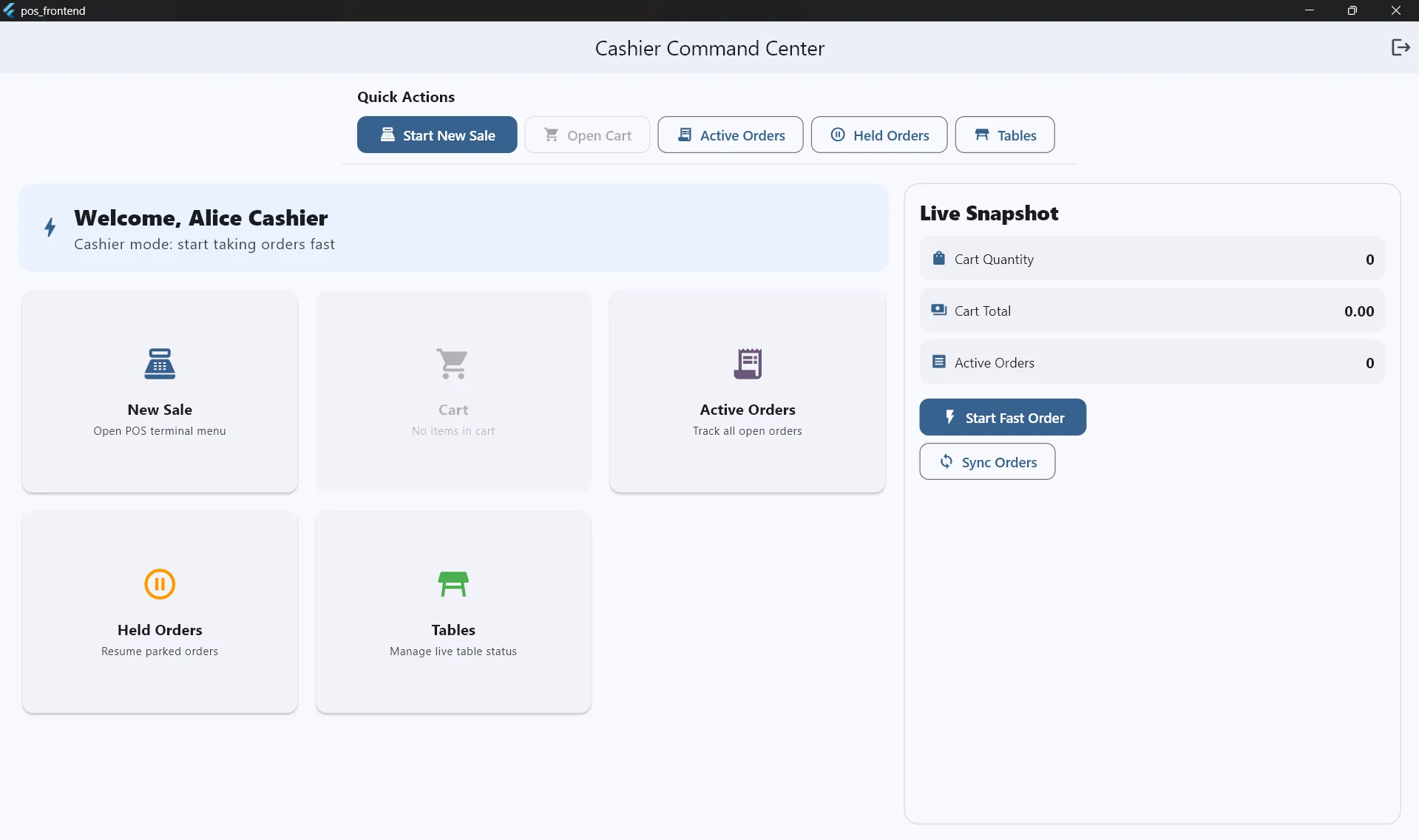
Restaurant POS System
A custom-built, offline-first Point of Sale (POS) application for a restaurant client, featuring Smart KOT logic, manager approval workflows, and extensive Docker orchestration for backend and hardware simulation.
Overview
The Restaurant POS System is a comprehensive, local first application custom built for a real restaurant client. The client specifically requested a system that runs entirely locally without any reliance on cloud solutions or external internet connectivity to ensure zero downtime during service hours.
This project successfully fulfills all of the customer's functional and non-functional requirements, serving as the central nervous system for their daily operations from taking orders and routing them to the kitchen, to managing financial transactions and employee roles.
Tech Stack
| Layer | Technology |
|---|---|
| Frontend | Flutter (Windows Desktop) + Provider State Management |
| Backend | Node.js + Express.js |
| Database | PostgreSQL |
| Infrastructure | Docker & Docker Compose |
| Hardware Protocol | ESC/POS Thermal Printing (LAN/USB) |
Features
- Smart KOT (Kitchen Order Ticket) Logic: Intelligently tracks which items have been sent to the kitchen. When an order is updated, it automatically prints an "Addon KOT" containing only the new items, preventing kitchen confusion and paper waste.
- Manager Approval System: Includes a secure workflow where cashiers cannot delete items already sent to the kitchen without a Manager's PIN, generating a complete audit trail in the database to prevent theft.
- Role-Based Access Control: Distinct interfaces and permissions for Admins, Managers, Cashiers, and Cooks.
- Financial Management: Features configurable service charges, on-demand discounts, multiple payment method support, and robust daily/monthly sales reporting.
Architecture & Docker Integration
Because the client required a strict offline-first architecture, I designed the system to run on a local network (LAN) using a client-server model.
Highlight: The Power of Docker
Docker was instrumental in both the development and deployment phases of this project. The entire backend infrastructure is orchestrated using docker-compose.yml.
- Backend & DB Orchestration: The Node.js API and the PostgreSQL database (with persistent volumes) run in isolated containers, ensuring the client's deployment environment perfectly matches the development environment.
- Hardware Simulation: Since I did not have physical thermal printers for testing during development, I utilized Docker to run ESC/POS Network Thermal Printer simulators (
gilbertfl/escpos-netprinter). This allowed me to simulate both the Kitchen Printer (port 9100) and the Cashier Receipt Printer (port 9101) locally, viewing the printed tickets via a web interface before ever touching real hardware.
Project Structure
pos-system/
├── backend/                    ← Node.js Express API
│   ├── src/
│   │   ├── config/             ← DB & environment setup
│   │   ├── controllers/        ← Route controllers (auth, orders, kot, etc.)
│   │   ├── middleware/         ← Auth and validation
│   │   ├── models/             ← Database queries
│   │   ├── services/           ← Core business logic (Smart KOT, Approvals)
│   │   ├── database/           ← SQL schema & migrations
│   │   └── server.js
│   └── Dockerfile              ← Backend container definition
│
├── frontend/                   ← Flutter Windows App
│   ├── lib/
│   │   ├── providers/          ← State management
│   │   ├── services/           ← API communication
│   │   ├── screens/            ← Touch-friendly UI views
│   │   └── widgets/            ← Reusable UI components (numpads, cards)
│
└── docker-compose.yml          ← Orchestrates Backend, DB, and Printer Simulators