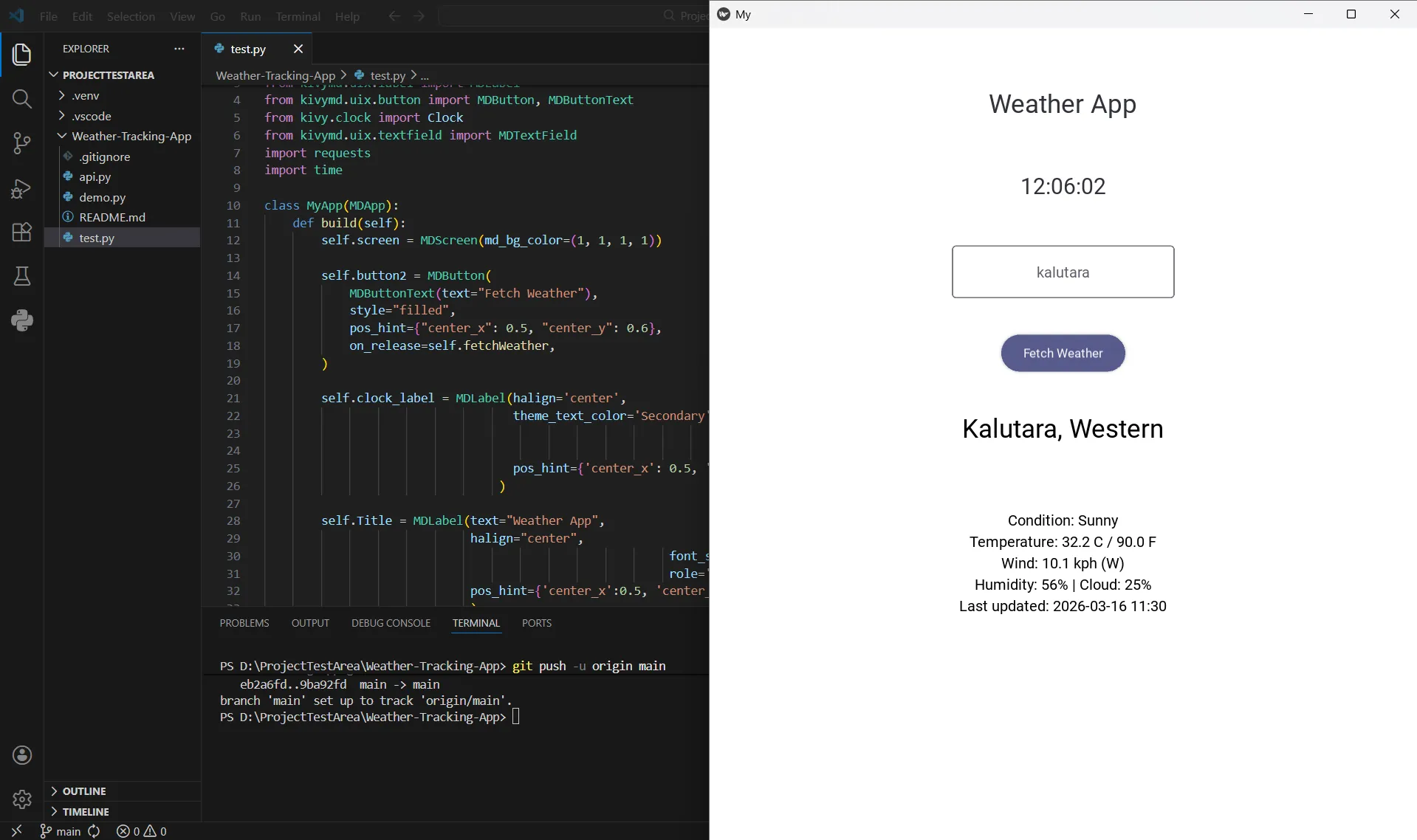
Weather Tracking Application
A real-time, cross-platform desktop weather dashboard built with Python and KivyMD, featuring modern Material Design 3 standards.
Overview
The Weather Tracking Application is a responsive desktop GUI designed to provide instantaneous weather data for any global location. Built during a period of significant framework transitions, this project demonstrates a complete migration from legacy KivyMD patterns to modern Material Design 3 (M3) standards.
The application integrates with the WeatherAPI service to fetch real-time data. The primary goal was to ensure high compatibility with the latest Python versions (3.12+) while providing a clean, minimal user interface.
Tech Stack
| Layer | Technology |
|---|---|
| Language | Python 3.13 |
| Framework | Kivy (Cross-platform engine) |
| UI Library | KivyMD v2.0.1+ (Material Design 3) |
| API Integration | Requests library for RESTful API calls |
| Concurrency | Kivy Clock for non-blocking UI updates |
Features
- Real-time Global Search: Instantly fetch weather data for any city or region via the weatherapi.com REST API.
- Detailed Metrics: Displays condition text, temperature in Celsius and Fahrenheit, wind speed, humidity, and cloud cover.
- Live Clock: An integrated digital clock that updates every second using Kivy’s Clock scheduling system.
- Material Design 3 UI: A clean interface utilizing modern M3 components like Outlined Text Fields and Elevated Buttons.
- Robust Error Handling: Visual feedback for invalid location queries or network failures.
Lessons Learned
API Migration requires architectural shifts. Moving from KivyMD 1.x typography to the modern M3 Style/Role system required a full update of the application's visual hierarchy.
Environment stability is key for modern Python. Resolving installation conflicts on Python 3.13 involved configuring custom virtual environments and installing KivyMD directly from the source.
Component modularity improves control. Redesigning the structure from legacy buttons to the modular MDButton and MDButtonText architecture allowed for better accessibility and style control.